Check your phone
Enter your IMEI number below to find out why your phone is locked, blocked or not working. It only takes a minute.
- Results by email
- No obligation to buy a fix
- Secure card payment
Where can I find my IMEI?
Any one of these works. If your phone is locked, the third is often the easiest.
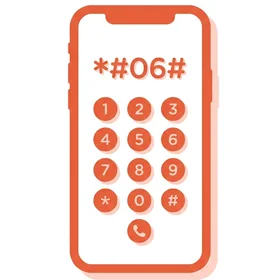
1. Dial *#06#
Open the phone app and type *#06#. The IMEI appears on screen straight away — nothing is actually dialled. On a locked Android, tap “Emergency call” first.
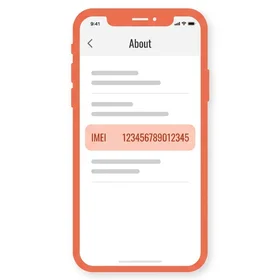
2. Check your settings
On an iPhone go to Settings › General › About. On Android go to Settings › About phone. Look for the line marked IMEI.
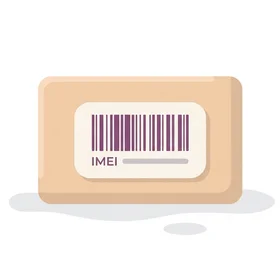
3. Look on your box
It’s printed on the barcode sticker of the box the phone came in, and often on the receipt. On many iPhones it’s also on the SIM tray.
Locked iPhone showing “iPhone Locked to Owner”?
Tap the small ⓘ button on that screen — the IMEI is shown there, no passcode needed.